






Apple might breathe new life into “obsolete” iPads with this clever move.
This autumn, Apple will stop providing operating system updates for millions of iPads. This means users with perfectly functional devices will have to watch helplessly as they gradually become obsolete and are eventually sent to the recycling bin. Ideally, Apple should provide extended software support for its devices, but there is another solution. Apple could address this issue—and extend the lifespan of hardware that still performs excellently—with minimal effort: by allowing users to install other operating systems.
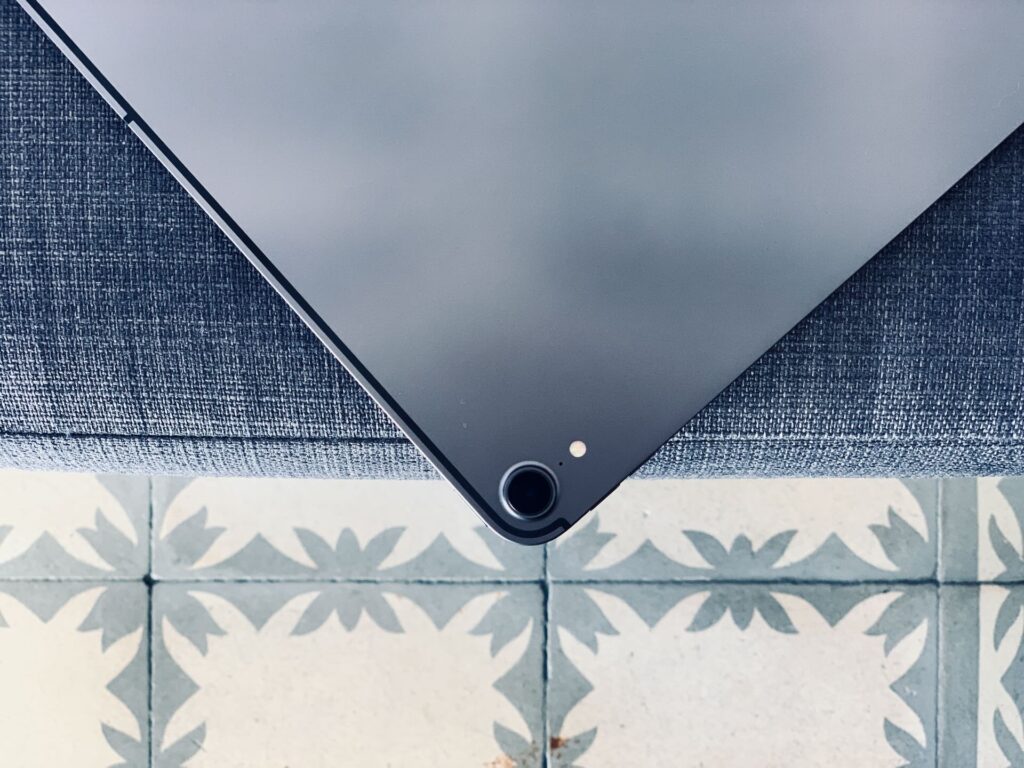
The iPad boasts a stunning display, durable hardware, and a high-performance chip. To its credit, Apple has done an outstanding job supporting older devices; my 2018 iPad Pro is still running the latest iPadOS 26 eight years after its release, even if it doesn’t run quite as smoothly as it did on earlier versions of the OS.
When Apple discontinues operating system support for older hardware, the decision is usually quite reasonable. Running the latest OS on underpowered hardware can lead to sluggish performance and missing features. The core issue is that older hardware often lacks the capabilities required for the features Apple wants to implement, and maintaining or porting existing software for these older devices demands significant effort.
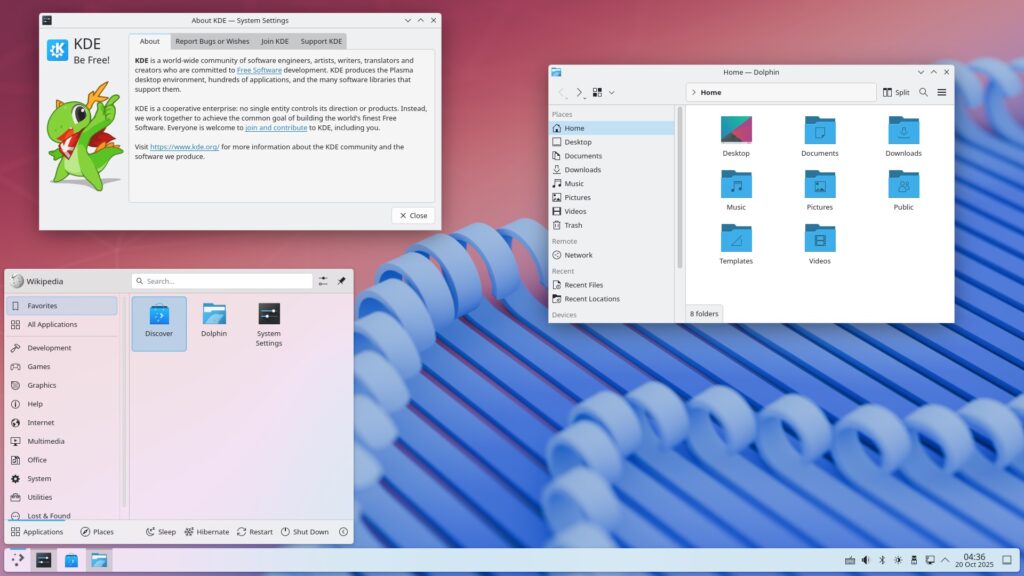
The point is, just because my older iPad cannot run the upcoming iPadOS 27, that doesn’t mean it is incapable of running any operating system. If you have an old PC or Mac, you can install Linux on it and enjoy a modern computing experience, even on low-end hardware.
Linux on iPad
So, why can’t we install a new operating system on older iPads to give them a new lease on life? Because Apple doesn’t allow it.
There are many tablet operating systems that ought to run on iPad hardware. The iPad Linux project documents the GNU/Linux community’s efforts to develop a stable Linux system for the iPad. Unfortunately, progress has been slow so far. Linux installation solutions for the iPhone—such as Project Sandcastle—are limited to the decade-old iPhone 7/7S and do not work on any iPad models.
The biggest obstacle is the iPad’s locked bootloader, known as iBoot. When you boot up an iPad (or an iPhone or Mac), a small program loads from the device’s ROM (Read-Only Memory); this program is responsible for loading the actual operating system. On Macs, PCs, and many Android devices, you can unlock the bootloader and have it load an operating system other than the one that came pre-installed.
You cannot do this on iPhones and iPads. It is done for security reasons, but if unlocking the bootloader is truly that unsafe, why is it permitted on Macs? This should be a choice for the user to make, not a decision imposed by the manufacturer. After all, it is your device.
A locked bootloader also prevents users from rolling back to previous versions of iOS and iPadOS. Did you install iPadOS 26 only to find your iPad running slowly? Unfortunately, you are out of luck, because Apple stopped allowing downgrades from iPadOS 26 to iPadOS 18 almost immediately after the new version was released.
Designated driver
Even if Apple were to unlock the bootloader or decide to “sign” certain Linux distributions to allow them to run on the iPad, we would still only be halfway there. Like any other operating system, Linux requires drivers to interact with various hardware components—ranging from the display to Wi-Fi and cellular modules.
This is why older computers often enjoy better Linux support; there has simply been more time for people to develop the necessary software for them.
However, creating Linux drivers for Apple hardware is no easy task. Before the advent of Apple Silicon, Macs and PCs shared the same Intel hardware, and Linux support for Intel-based Macs was—and remains—excellent. Developing drivers for M-series Macs, by contrast, requires reverse-engineering proprietary drivers for proprietary hardware.
This is precisely the approach taken by the Asahi Linux project, which enables Linux installation on M1 and M2 Macs but does not support newer models. It is something of an arms race; even on M1 Macs, Linux still faces numerous issues. For instance, in my own experience, battery life is noticeably shorter, and unless you maintain a macOS partition and boot into it occasionally, you cannot receive firmware updates from Apple. If Apple truly wanted to enable Linux support on older iPads, it should release and maintain a set of drivers, just as it once did for Macs. Boot Camp allowed users to install Windows on Macs and provided all the necessary drivers. Yet, history shows that despite the fact that iPad performance rivals that of many Macs, Apple does not view the device as a general-purpose computer.
Still, it is worth imagining what might happen if Apple developed a set of drivers for older iPads. In terms of workload, it would not be a massive undertaking—Apple would only need to add drivers when ending iPadOS support for specific models, an event that does not even occur every year.
(A lack of) repairability has once again become an issue.
There is another side to this story, illustrated by the Asahi Linux system running on my M1 Mac. With older iPads, if installed software further drains an already aging battery, the device effectively loses its utility as a tablet.
For an eight-year-old iPad Pro like mine, battery capacity is typically quite low. Installing Linux doesn’t solve this issue, though I know tech enthusiasts worldwide have devised numerous projects for old tablets—ranging from baby monitors and digital sheet music displays to car head units—that function perfectly well even when the device remains plugged into power.
However, for these old iPads to remain truly useful in the long run, it should at least be possible to replace their batteries.
Replacing an iPad battery is a nightmare. The battery is buried deep inside and must be removed from beneath the screen—an incredibly delicate procedure in itself. Furthermore, the cost of replacement parts is exorbitantly high. Take my 2018 12.9-inch iPad Pro, for instance: the screen alone costs $230, and a full repair kit runs $237. Meanwhile, a brand-new entry-level iPad costs just $350. Although it pales in comparison to the iPad Pro, such pricing makes buying a new unit far more appealing—which is, of course, exactly what Apple wants.
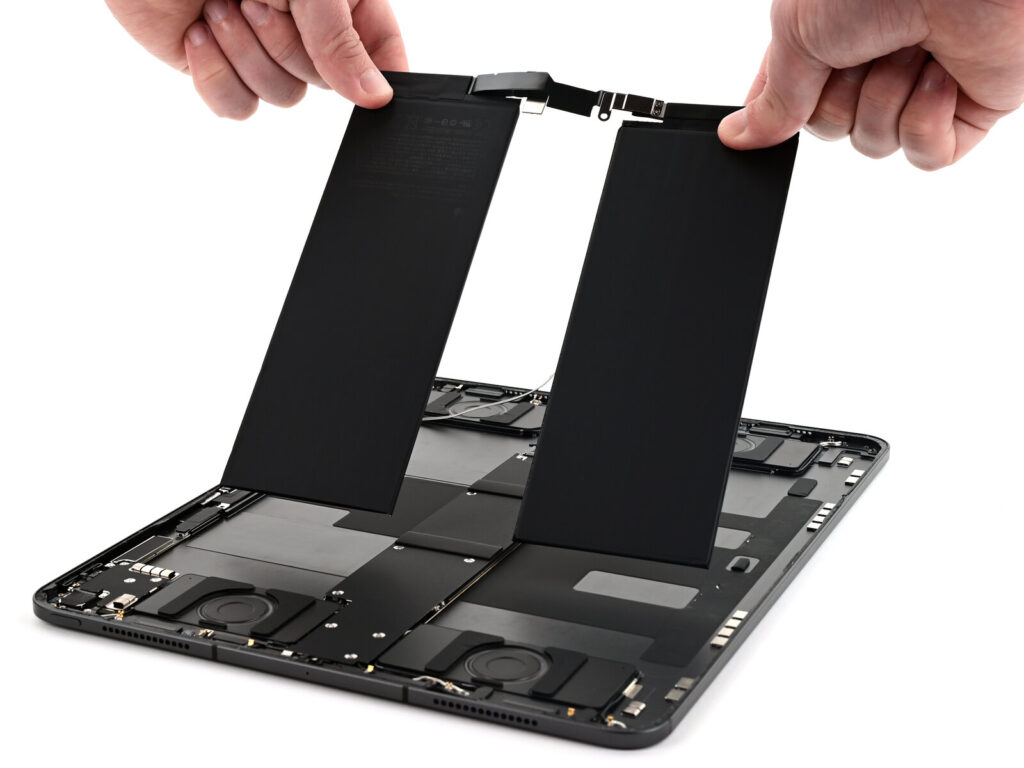
Of course, for older iPad models where there was never any intention to replace the battery yourself, there is no way to make that process easier.
But if you want to keep your iPad plugged in and running Linux—whether as a digital photo frame, a kitchen assistant, or a 24/7 video conferencing system—shouldn’t that be your choice to make, rather than Apple’s?
Apple simply needs to allow users to unlock the bootloader, enabling them to install other operating systems on the computers they already own.